
The robot plays along
The games have a few new things: Blitz's tiles in one row at the bottom, a robot that plays along, the meanings of your words, a look back at the games you played, and a walkthrough of all five.
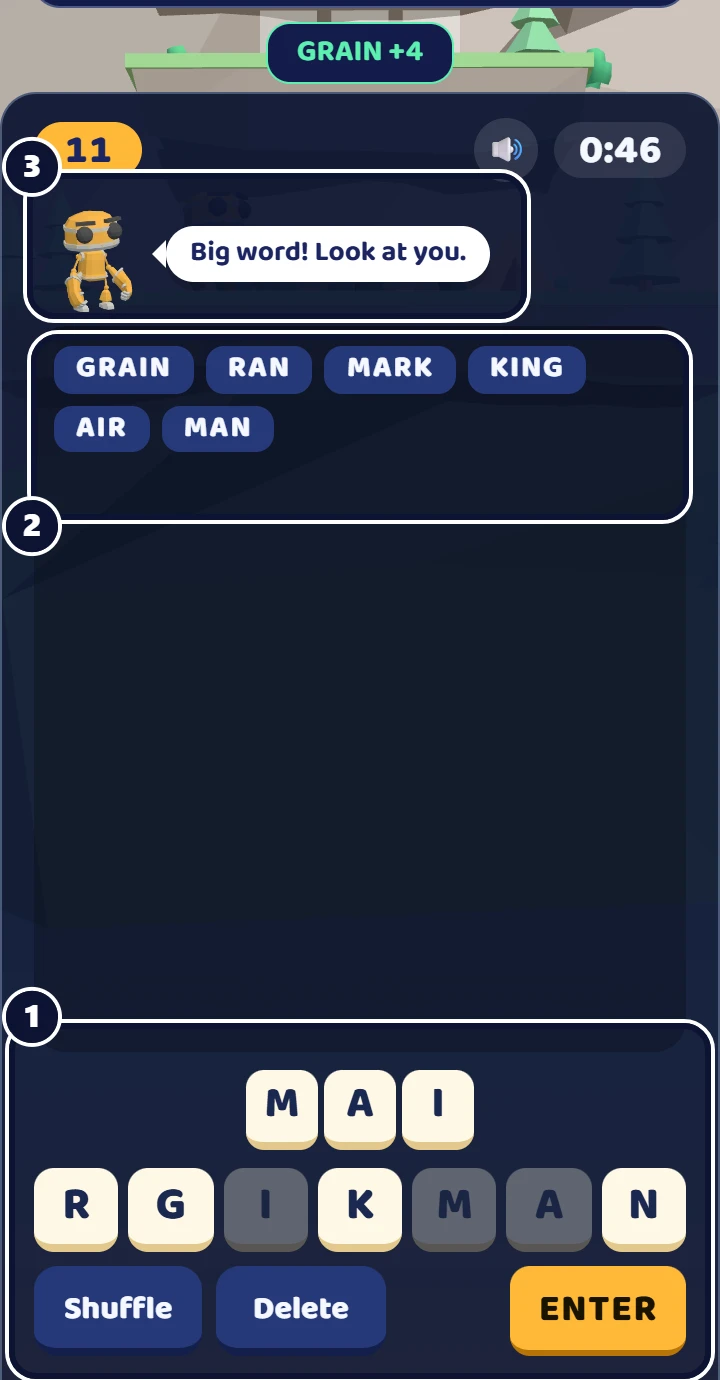
1 Blitz's seven letters sit in one row at the bottom of the screen. Tap the tiles to make a word, then press Enter. The word you are making shows above the row, and a tile you have used dims until you press Delete or Enter. Shuffle, Delete and Enter are under the row. Prefer to swipe? Turn on Me › Settings › Blitz swipe for the arc.
2 The words you find land on the board above, the newest first.
3 The robot watches and says something when you find a word, miss one, or find a long one.
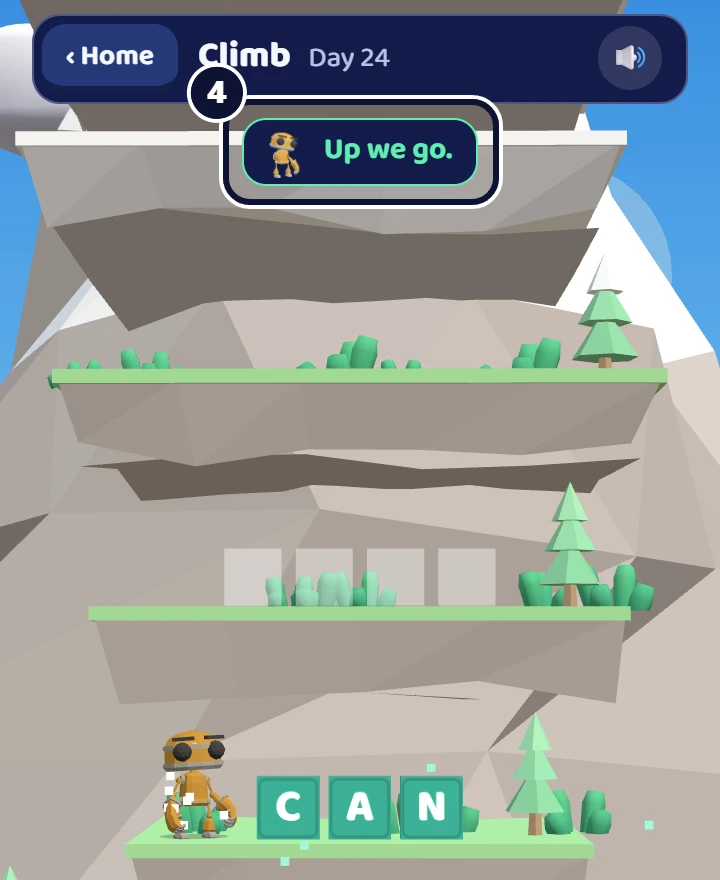
4 In Climb, Chain, Thrift and Nudge the robot speaks in the strip under the title, with a voice. The speaker button at the top turns the robot's voice off or on; game sounds stay on. With reduced motion set on your phone, you see the line only.
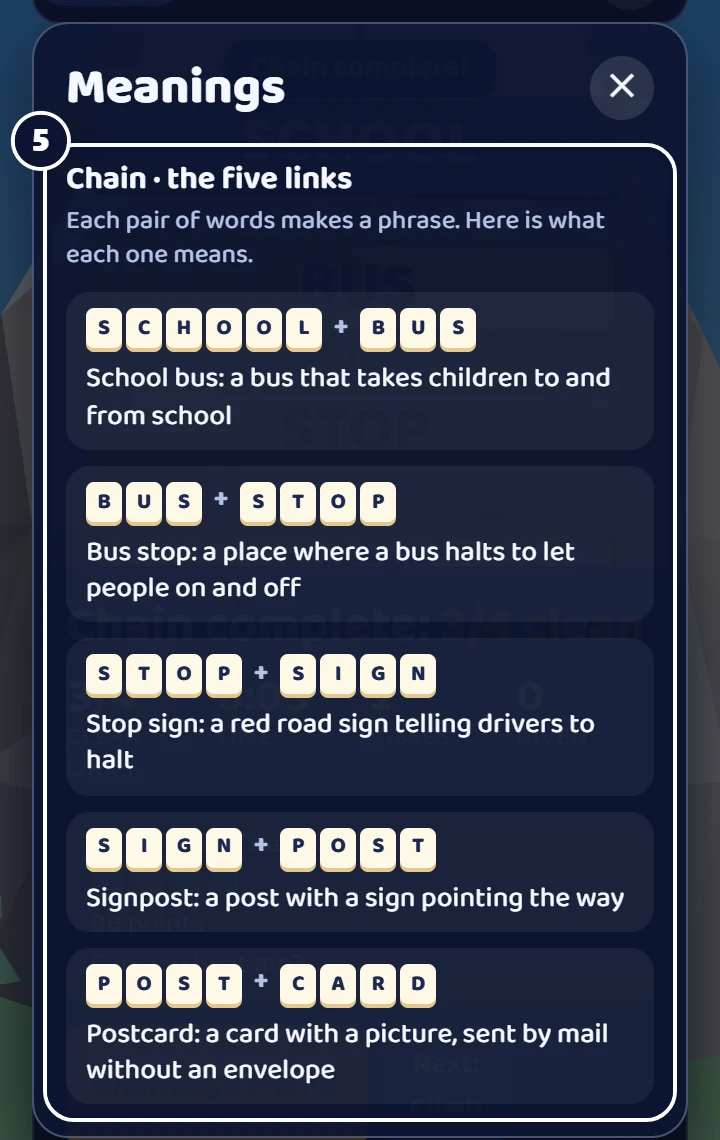
5 Every result card has a Meanings button. For Chain it explains the five phrases of the chain. For the other games it shows the words of your game: your Climb, your Thrift guesses and the answer, the Nudge board, your Blitz words. A Climb summit you did not reach stays hidden.
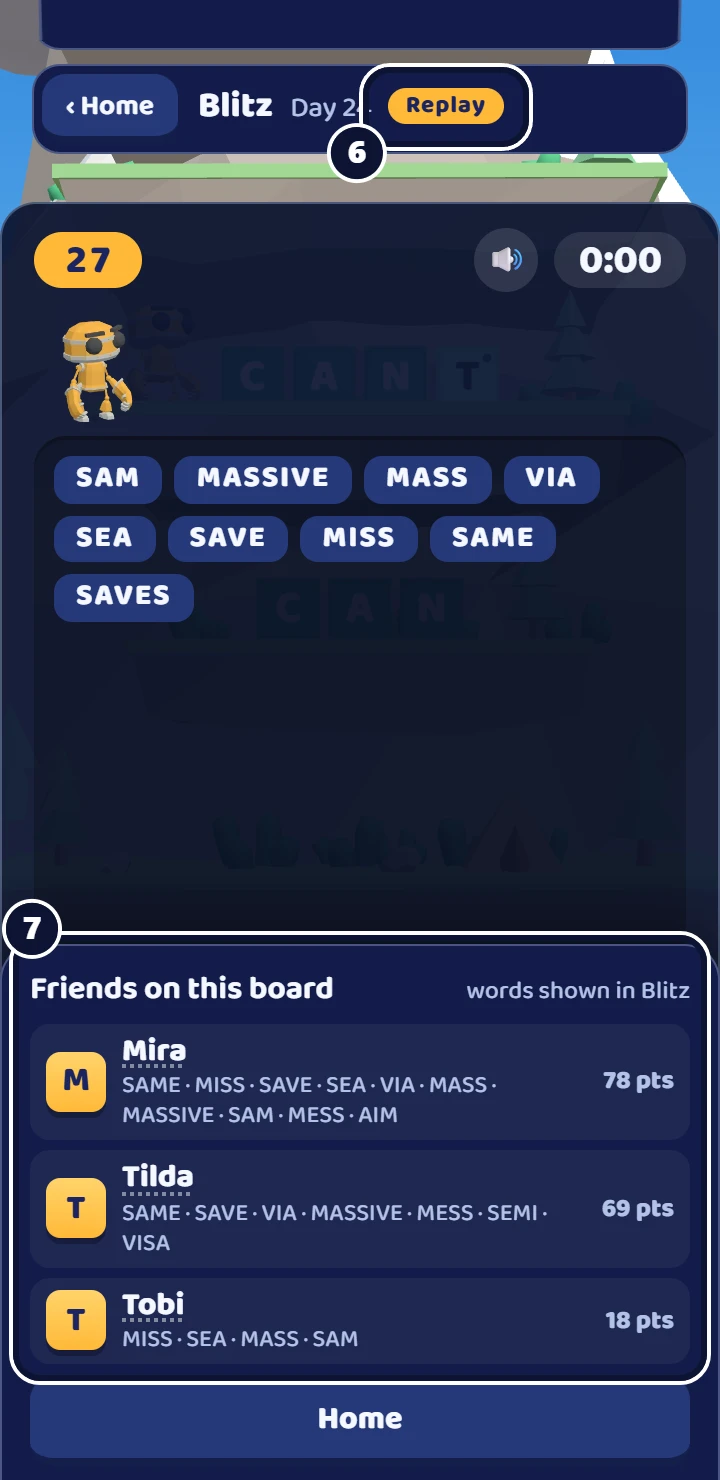
6 Tap a game you have already played today to see your board again.
7 Below it are the friends who played the same board, with their scores. In Blitz you see their words too. Tap a name to open that player's page.
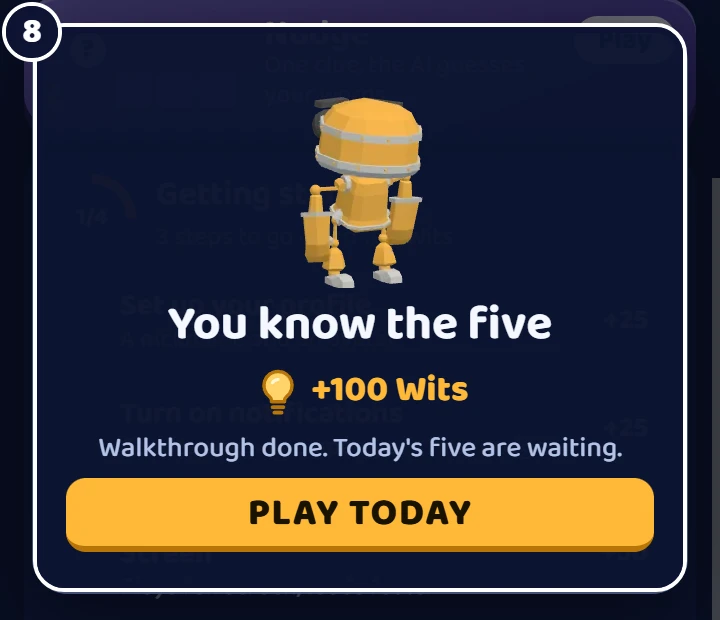
8 New here, or never tried it? Play the walkthrough from your Getting started card. It takes you through all five games on the first day's puzzles, with the robot's help, and pays +100 Wits once. Nothing in it counts toward your day.